

To get started with PAK777 on your Android device, go directly to our official website at https://pak777.io/. This is the only safe place to perform a PAK777 APK download. We strongly recommend downloading only from here. Third-party sites often share outdated or modified versions. These can contain malware or steal your data. Our official APK is tested and secure. It’s built for smooth performance on Android 6.0 and newer. It runs fast and uses minimal battery. You’ll enjoy quick loading and stable gameplay. Always download from our site to ensure you get the latest version. This helps avoid bugs and missing features. After downloading, follow the on-screen steps to install. We’ve made the process simple and clear. Once installed, you can log in and start playing right away. For help with setup or troubleshooting, our support team is ready. Our full guide to the PAK777 Gaming Platform Guide will help you explore all features.
Verify Your Device Compatibility Before Downloading
To ensure a smooth and trouble-free experience with the PAK777 APK, we recommend checking your device’s compatibility before downloading. Your Android device should run Android 6.0 (API 23) or later, have at least 1GB of RAM, and maintain 100MB of free storage space. These requirements help prevent crashes, slow performance, or installation failures. Most modern smartphones and tablets meet these standards, but older models may struggle with the app’s graphics and background processes. If your device falls below these specs, you might notice lag during gameplay or difficulty loading game screens. We’ve optimized the APK to run efficiently even on mid-range devices, but keeping your system updated and clearing temporary files can further improve stability. Always verify your device details in Settings > About Phone to confirm your Android version and available memory. This quick check saves time and avoids frustration later.
Step-by-Step: How to Download the PAK777 APK
To download the PAK777 APK safely, start by opening your mobile browser. Go directly to our official website at https://pak777.io/. Do not use third-party links. On the homepage, look for the large Download APK button. It’s usually near the top, often in green to match our branding. Tap it to begin the download. The file will save to your device’s Downloads folder. Wait for the download to finish completely. Never install an APK that hasn’t finished downloading. Once done, you’ll see a notification. Tap it to start the installation. We recommend using only the official site to avoid fake or modified versions that could harm your device. Always double-check the URL before clicking any download link. This simple step keeps your data and device secure. If you’re unsure, revisit this guide. Our full guide to PAK777 gaming features is here.
Enable Installation from Unknown Sources
Before installing the PAK777 APK, you need to allow installations from unknown sources. This setting is off by default for security. Go to your device’s Settings. Tap on Security. Look for “Unknown sources” or “Install unknown apps.” Turn it on. You’ll see a warning. Read it. Then confirm. This allows your phone to install apps from outside the Play Store. We only recommend doing this for the one-time install. Once the app is installed, turn this setting back off. Leaving it on increases your risk of malware. Never leave it enabled long-term. Always use the official PAK777 website for downloads. That’s the safest way. If you’re unsure, our full guide to account security is here.
APK Installation Process: What to Expect
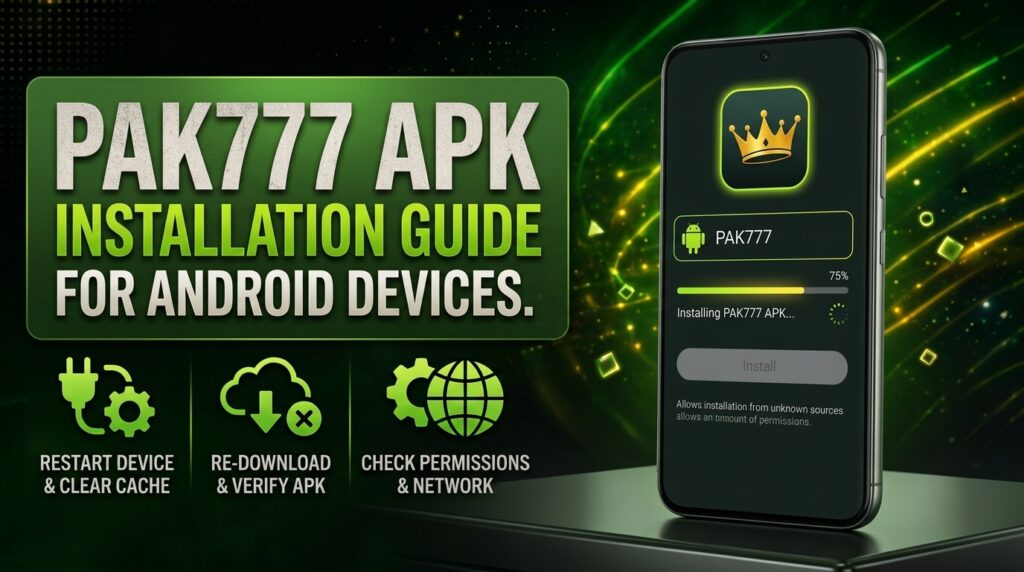
Once you’ve downloaded the PAK777 APK, open your device’s file manager and locate the downloaded file—usually in the ‘Downloads’ folder. Tap on it to begin installation. You’ll see a prompt asking for permission to install the app. Take a moment to review the list of permissions we request, such as access to storage and network. These are standard for game functionality and account access, and we only ask for what’s necessary. If everything looks correct, tap ‘Install’ and wait for the process to complete—this typically takes 10 to 30 seconds. Once installed, the app will launch automatically. If you see no errors and the login screen appears, your installation was successful. The app is optimized for smooth performance on Android 6.0 and above, so you should experience fast loading and responsive gameplay. If you encounter any issues, our troubleshooting guide can help. Ready to explore the full PAK777 platform? Our PAK777 Gaming Platform Guide walks you through the games, features, and how to get started.
APK File Size and Version Details
| Specification | Details |
|---|---|
| APK File Size | Approximately 45–60MB |
| Latest Version | v1.1.45 (as of recent updates) |
| Minimum Android Version | Android 6.0 (API 23) or higher |
| Required Free Storage | At least 100MB |
| Recommended RAM | 1GB or more |
Why the Official PAK777 APK Matters
Only the official PAK777 APK from https://pak777.io/ includes verified security patches. We regularly update the app to protect your data. This version has the latest game content. It runs smoothly on your device. You avoid risks from malware or data leaks. Third-party versions may be unsafe. They can lack updates. They might steal your information. Our APK is tested and secure. It meets all Android compatibility requirements. You get consistent performance. No unexpected crashes or errors. Always download from our official site. This is the only way to stay protected. For more on using the app safely, check our account security guide.
Common Installation Issues and Fixes
| Common Issue | Solution |
|---|---|
| Parse error during installation | This usually means the APK file is corrupted or incompatible. Re-download the file directly from https://pak777.io/ to ensure you have the latest, unaltered version. Make sure your device meets the minimum Android 6.0 requirement and has enough storage space. |
| App not installed error | Check that ‘Unknown sources’ is enabled in your device’s Settings > Security. If the error persists, clear the cache of your Downloads app and restart your device. Then try installing the APK again from the official source. |
| Installation stops unexpectedly | Close other running apps to free up system resources. Ensure your device has at least 100MB of free storage. If the problem continues, reboot your device and retry the installation. |
| App crashes after installation | Clear the app cache and data via Settings > Apps > PAK777 > Storage. If crashes continue, uninstall and reinstall the APK from the official site. Avoid using third-party versions that may lack updates or contain malware. |
Security Best Practices After Installation
Once you’ve installed the PAK777 app, your security stays in your hands. Keep your Android device updated. This helps close known security gaps. Don’t give the app more permissions than it needs. Only allow access to things like storage or camera if the app asks for them during gameplay. Never share your login details. Not even with friends. Never send your OTP to anyone. Not even if they say they’re from support. We’ll never ask for your password or one-time code. If you see a message asking for this, it’s a scam. Protect your account by using a strong password. Change it regularly. Use your device’s built-in security features. Lock your phone with a PIN, pattern, or biometric. If you ever feel your account is at risk, log out on all devices and contact our support team right away. Your safety is our priority. For more on keeping your account secure, check our account security guide.
Image: PAK777 Download Process on Mobile
Here is what the PAK777 download process looks like on your mobile browser. You’ll see the official PAK777 website with a clearly marked Download APK button, usually in green to match our brand colors. Once you tap it, your device begins downloading the APK file. After the download completes, you’ll find the file in your device’s Downloads folder, typically labeled with a name like ‘pak777_v1.1.45.apk’. This visual shows exactly where to click and where the file appears, helping you confirm the download was successful. Always double-check that you’re on the official site—https://pak777.io/—to avoid fake or unsafe versions. For more on installing and using the app safely, our full guide to the PAK777 Gaming Platform Guide.
Pingback: PAK777 APK Installation Guide for Android Users - Pak 777